For 3D print sellers
Selling 3D prints at craft fairs and markets
Print what sells. Bring what sells.
Articulated dragons in six colors, keychains, planters, custom name plates — selling 3D prints at markets means lots of variants and a print queue to plan. TentTally tracks it from the printer to the booth.
Get Started Free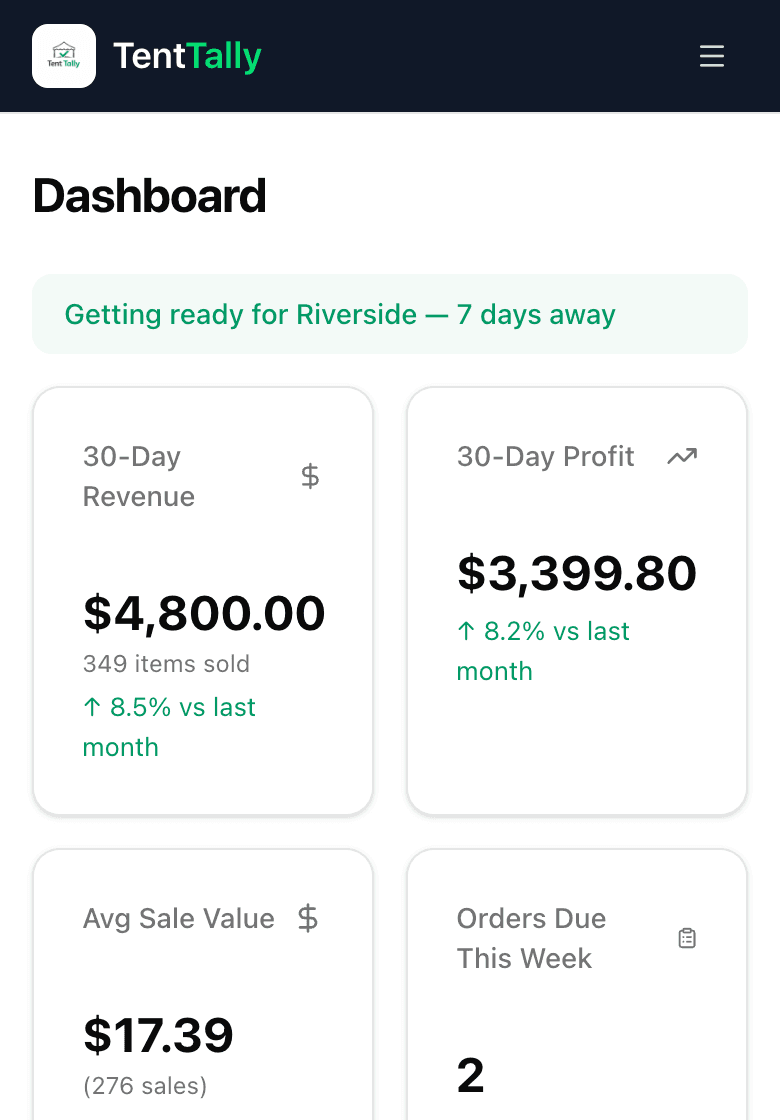
Built for print farms and makers
Every color and size, one tile
Each color or size is its own product with its own stock. Product Groups keep a design's variants under one tile at checkout — tap Dragon, pick Galaxy Purple.
Plan your print queue
The packing list shows what you've already printed and what you still need for the weekend. Set a batch size to how many fit on a plate, and suggestions round up to full plates.
Learn more about Plan your print queueFilament and hardware costs
Filament varies by print, so enter it as a dollar amount per product. Fixed parts — magnets, keyrings, screws — can be priced once as materials and added by quantity.
Custom orders
Name plates, custom colors, one-off requests: record the customer, a deposit, and a due date, and see what's due this week on your dashboard.
Example: planning a plate of keychains
Eight keychains fit on a plate, so their batch size is 8. Your sales at Saturday's market point to about 13 — TentTally rounds that up to 16, two full plates. You have 9 printed, so you need 7 more.
- From past sales
- 13
- Rounded to full plates of 8
- 16
- Already printed
- 9
- Still to print
- 7
Questions
- Yes. Put a multi-buy deal on a category or group — all your keychains or fidgets — and any mix of three qualifies. TentTally suggests it at checkout.
- No. TentTally tracks finished prints, not print jobs: when a plate comes off the printer, log it as a production batch and your stock goes up.
- Log only the prints that come off the plate sellable, so your stock stays honest. To cover the filament you lose to failures, build a little extra into each product's filament cost.
Can I run a "pick any 3 for $10" deal on small prints?
Does TentTally connect to my printer or slicer?
How do I account for failed prints?
Try it at your next market.
Set up takes minutes, and it all runs in your phone's browser.
Get Started Free